Sign up FREE
and access up to 7 premium artworks!
- $0 forever
- upgrade anytime
Buy premium account
for unlimited access and artist support!
- access to all premium artworks
- all-in-one zip packs
- one time payment, does not renew
Buy merchandise with my artwork:




Vlad Gerasimov
28 May 2012
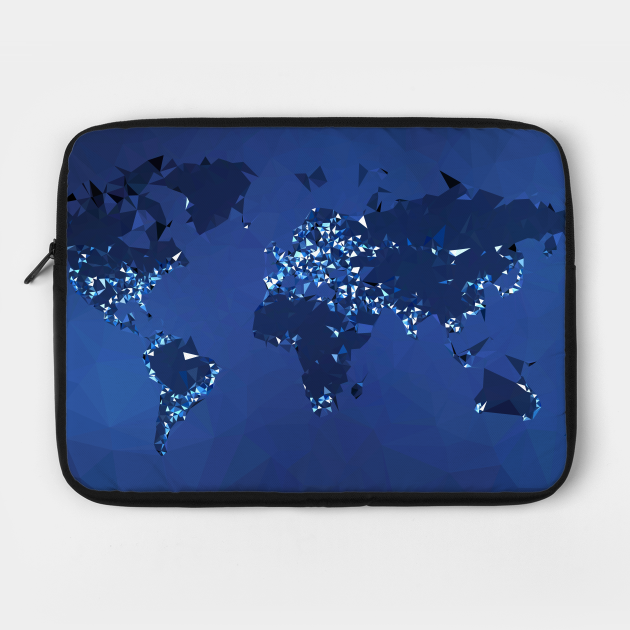
I love world maps, I love to simplify everything, and I love wallpapers. When all these things meet, you get simplified map wallpaper! The technique is called triangulation.
Lenka
28 May 2012
... somehow fascinating ...
Erki
28 May 2012
Almost like a Voronoi diagram, lovely!
Maxim
28 May 2012
How did you choose where to add points? Is it based on population?
Vlad Gerasimov
29 May 2012
Maxim - almost, this is the modified version of my earlier wallpaper, Typographic World Map (Night).
Soto
31 May 2012
nice Photo
Marco Sadun
19 June 2012
Vlad... may I know what kind of software you used? I am digging inside Photoshop, but I cannot find anything... ( but I remember that in the past I have done something like that!! )
Vlad Gerasimov
20 June 2012
Marco - I used Dmesh (for Mac).
Thanh Ha
28 September 2012
please someone show me how to download these wallpapers or I have to purchase for it. It's my first time here. Thanks
Vlad Gerasimov
28 September 2012
Thanh Ha - simply right click and Save Picture As...!
Thanh Ha
28 September 2012
oh, i want to use these beautiful photos for my desktop. I think I have to purchase it somehow, right. If i " save picture as " , it won't have good quality enough to be set desktop wallpaper. Thanks, btw i use macbook ( if it may involve something ).
Vlad Gerasimov
30 September 2012
Thanh Ha - ah, I see. Yes, some sizes are for premium users only. That's how I make my living :-)
Thanh Ha
29 October 2012
Hi Vlad. I want to let you know that I had firgured out the answer to my problem. It turns out that I just need to choose the right resolutions default of the picture which is 1280*800 btw. I'm soo happy. Oh have I told you this: I LOVE YOU and YOUR WORK!! thank you.